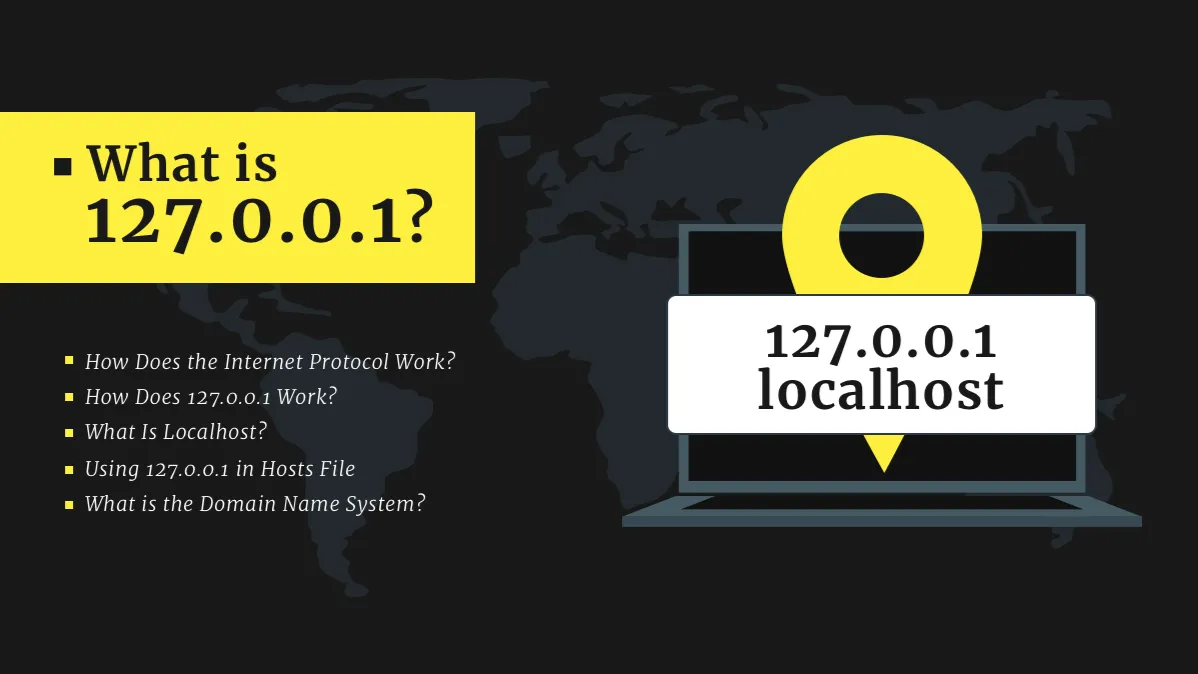
In the world of networking, even a tiny formatting difference can completely change how a system behaves. One such confusing pattern that often appears in searches, logs, or misconfigured settings is 1.0.0.0.0. At first glance, it looks like a normal IP address, but something feels off—and that suspicion is correct.
To someone unfamiliar with networking, it may seem like just another numeric identifier. But in reality, this format breaks the fundamental rules of how IP addressing works. Understanding why it is invalid, where it appears, and what it is mistaken for can help avoid troubleshooting headaches, configuration errors, and even connectivity issues.
What is 1.0.0.0.0?
The sequence 1.0.0.0.0 is not a valid IP address in either IPv4 or IPv6 standards. It is most commonly the result of:
- Typing errors during configuration
- Misreading network logs
- Incorrect parsing by software tools
- Confusion with similar valid IP formats like 1.0.0.0
IPv4 addresses are structured in four numerical blocks (octets), such as:
192.168.1.1
Each block must range from 0 to 255. However, 1.0.0.0.0 has five segments, which automatically makes it invalid under IPv4 rules.
IPv6, on the other hand, uses hexadecimal notation separated by colons—not dots—so this format does not belong there either.
A Quick Breakdown of IP Address Structure
To truly understand why this format fails, it helps to revisit the basics.
IP addresses are like digital home addresses. They guide data packets to the correct destination across the internet or local networks.
There are two major types:
- IPv4 (Internet Protocol Version 4)
- IPv6 (Internet Protocol Version 6)
IPv4 is the most commonly used format and looks like this:
- 8.8.8.8
- 192.168.0.1
IPv6 is longer and more complex:
- 2001:0db8:85a3::8a2e:0370:7334
Now compare these with 1.0.0.0.0—the extra segment immediately breaks the structure.
Why This Format Causes Confusion
The reason people encounter 1.0.0.0.0 more often than expected is due to human and system errors. Sometimes, software logs append an extra .0 when parsing incomplete data. Other times, users accidentally add an extra segment while typing quickly.
From my own experience working on a network configuration project, I once spent nearly an hour debugging a connectivity issue only to realize a script was generating malformed IP entries with an extra “.0” appended at the end. It looked harmless, but it completely broke routing validation.
Applied Networking Situation
Imagine a company managing internal servers for employee access. One of the servers is configured to accept requests from a trusted IP range like 1.0.0.0/24.
Now suppose a configuration file mistakenly logs an address as 1.0.0.0.0. The system does not recognize it as valid, so:
- The server ignores the request
- Security logs flag it as malformed input
- Automated monitoring tools generate false alerts
- IT teams waste time investigating a non-existent threat
This small formatting issue can escalate into operational delays and unnecessary troubleshooting costs.
In enterprise environments, such minor errors often lead to bigger system inefficiencies than expected.
Comparison Table: Valid vs Invalid IP Formats
| Format Example | Type | Validity Status | Explanation |
|---|---|---|---|
| 192.168.1.1 | IPv4 | Valid | Standard private network IP |
| 8.8.8.8 | IPv4 | Valid | Google Public DNS |
| 1.0.0.0 | IPv4 | Valid | Network address format |
| 1.0.0.0.0 | Invalid | Not valid | Too many segments |
| 2001:db8::1 | IPv6 | Valid | Correct IPv6 shorthand |
| 1.0.0.0.0 (string) | Misformat | Invalid | Parsing or input error |
This comparison highlights how even a single extra dot can completely change interpretation.
Why Invalid IP Formats Matter
At first, a format like this may seem harmless. After all, it’s just numbers and dots. But in networking systems, precision is everything.
Invalid IP formats can lead to:
- Failed API requests
- Misconfigured firewalls
- Broken routing tables
- Logging and monitoring errors
- Security misinterpretation
Modern systems rely heavily on automated validation. When something doesn’t match expected patterns, it is either rejected or misclassified.
How Systems Handle This Error
Most modern applications follow strict validation rules. When encountering something like 1.0.0.0.0, they typically:
- Reject the input immediately
- Log it as malformed data
- Trigger error-handling routines
- Skip processing to avoid system corruption
This prevents larger issues but also means developers must ensure data accuracy at every step.
The Hidden Insight Behind Such Errors
Interestingly, patterns like this highlight an important truth about digital systems: small formatting inconsistencies can create disproportionate problems.
What looks like a harmless extra character can:
- Break integrations
- Stop data pipelines
- Confuse diagnostic tools
The takeaway is not just about IP addresses—it’s about discipline in data handling.
Read More: 164.68.127.15 IP Address Insights, Uses & Security Guide
Conclusion
The sequence 1.0.0.0.0 is not a valid IP address but rather a malformed or misinterpreted string that often appears due to human error or system parsing issues. Understanding why it fails helps improve debugging skills, network configuration accuracy, and overall system reliability.
In networking, precision is not optional—it is essential. Even a single extra segment can turn a valid structure into a completely unusable format.
FAQs
1. Is 1.0.0.0.0 a real IP address?
No, it is not valid in IPv4 or IPv6 formats due to having too many segments.
2. Why do I see 1.0.0.0.0 in logs?
It usually appears due to software bugs, misconfigurations, or incorrect data formatting.
3. Can it be converted into a valid IP?
Not directly. You must correct it to a proper 4-segment IPv4 or valid IPv6 format.
4. Is 1.0.0.0 valid?
Yes, 1.0.0.0 is a valid IPv4 network address, unlike 1.0.0.0.0.
5. What problems can invalid IP formats cause?
They can break network routing, cause system errors, and lead to failed connections.









